
In stock
PC
PC Only
For PC shooting games. Use the PC connection tutorial and RinFire Assistant setup resources.
$259.00 USDView bundle
RINFIRE R4 / PLATFORM GUIDE
Compare RinFire R4 compatibility for PC, Xbox and PlayStation. Find the right bundle, check live availability and get ready for your first game.
Compare platform bundles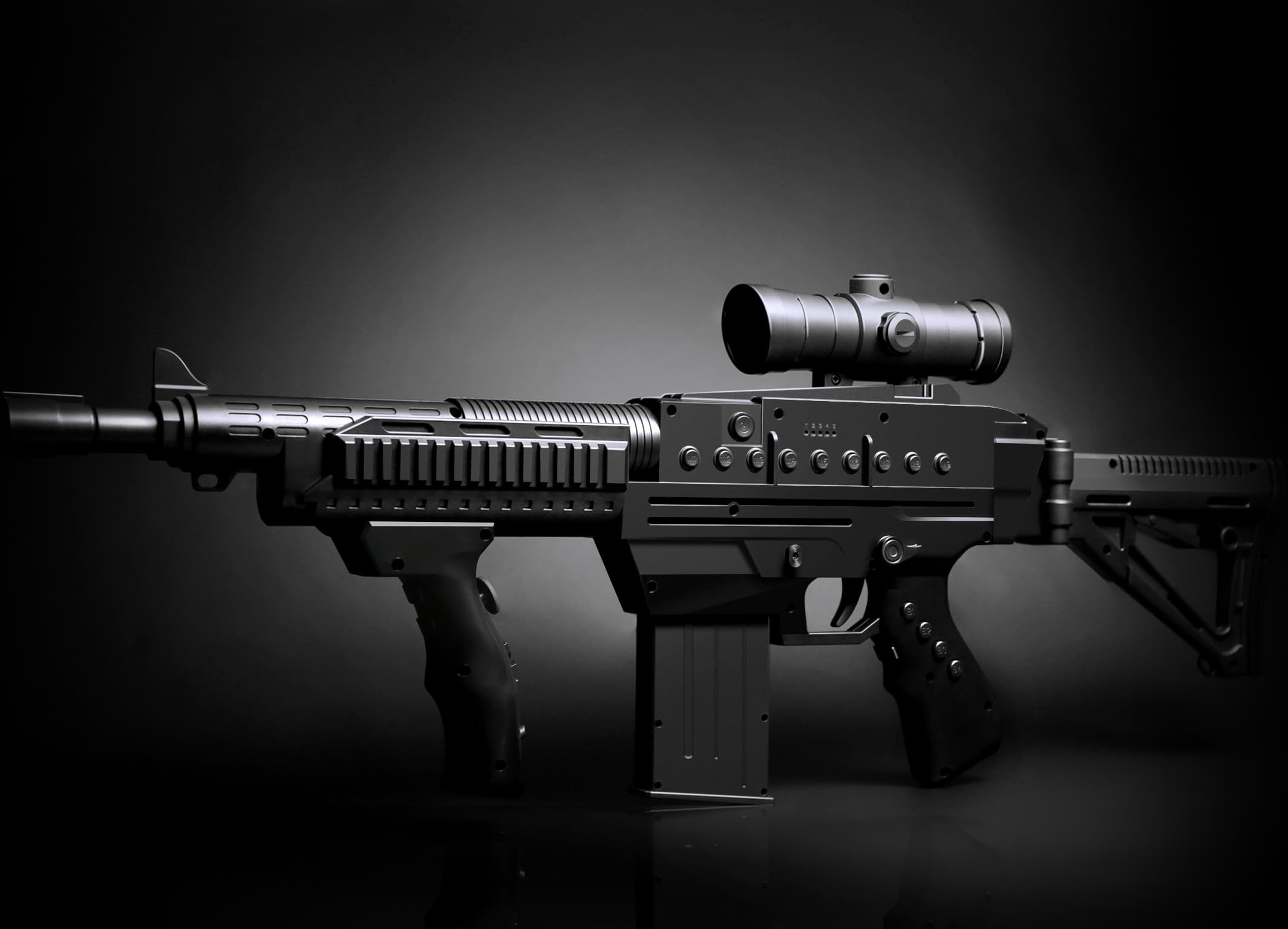
THE QUICK ANSWER
RinFire R4 is a motion gaming gun controller for first-person shooter (FPS) and third-person shooter (TPS) games. Select PC Only, Xbox & PC, PlayStation3/4 & PC, or PlayStation5 & PC to match your hardware. Console compatibility, individual game setup and current stock are three separate checks.
R4 uses onboard sensors for motion aiming and includes recoil simulation, a removable body and 27 controls. It is an electronic gaming peripheral and does not fire projectiles.
FIND YOUR MATCH
Compare current bundle prices and availability before choosing your setup.
PC Only
For PC shooting games. Use the PC connection tutorial and RinFire Assistant setup resources.
Xbox & PC
Xbox 360, Xbox One, One S, One X, Series S and Series X, plus PC. Follow the console connection guide for your setup.
PlayStation3/4 & PC
PlayStation 3, PlayStation 4, PS4 Slim and PS4 Pro, plus PC. Choose this bundle for those console families.
PlayStation5 & PC
The PlayStation5 & PC bundle is the option for PS5. Check its current stock status; a PS3/PS4 bundle is not a substitute.
Applicable tax and shipping are calculated at checkout. See shipping rates and delivery estimates →
FROM UNBOXING TO GAMEPLAY
Use the PC tutorial or the PlayStation/Xbox connection tutorial for your platform. Follow the manual for the required connections.
PC & console connection videos →Use the official RinFire Assistant resources and user manual for platform selection and control configuration.
RinFire Assistant download & setup →Onboard motion sensing does not remove the need to follow setup instructions. Watch the M1 and screen calibration tutorials for your R4.
R4 calibration tutorials →Review sensitivity, recoil settings and the game’s control mapping. For abnormal controls, check battery charge and the troubleshooting FAQ.
Sensitivity & recoil tutorials →BEFORE YOU CHOOSE
Official product guidance from RinFire, reviewed November 22, 2026. For an individual game, include its title, your platform and your R4 bundle when contacting support.
Ask about your setupChoose PC Only if you plan to use R4 on PC. If you also play on a supported console, choose the bundle for that console family. Each console bundle shown here also includes PC support.
No universal game-by-game guarantee is provided here. RinFire R4 is designed for FPS and TPS shooting games, but controls, input options and sensitivity depend on the title and platform. Ask support about your exact game and console before ordering if you are unsure.
RinFire R4 uses onboard motion sensors and the Motion Control System rather than external camera or infrared screen tracking. You can use a monitor, TV or projector connected to a supported platform. Follow the manual and calibration tutorials for your setup.
RinFire R4 is a motion gaming gun controller: its Motion Control System translates physical movement into in-game aiming. A traditional arcade light-gun system typically measures where the player points relative to the display. Tracking methods and game requirements differ between products.
Explore the technology, compare aiming methods or find the full manual.